A free Minecraft Bedrock add-on with laser tripwires, motion sensors and 60+ redstone gadgets, gear and machines. It even has its own dungeon and boss.


Pick your device. The easy way opens it straight in Minecraft. "Through Files" puts it in by hand.
SensorMod.mcaddon.com.mojang folder and extract.SensorMod_BP into behavior_packs and SensorMod_RP into resource_packs. Then restart Minecraft.SensorMod.mcaddon.behavior_packs and resource_packs.SensorMod_BP to On My iPhone → Minecraft → games → com.mojang → behavior_packs.SensorMod_RP to ... → com.mojang → resource_packs. Then close and reopen Minecraft.SensorMod_BP into behavior_packs and SensorMod_RP into resource_packs.Some of the blocks and gear you get.


...plus an alarm, item and mob farms, detonators, trap floors, a redstone clock, a trash can, a death sensor, vertical slabs, cheaper stairs and more.
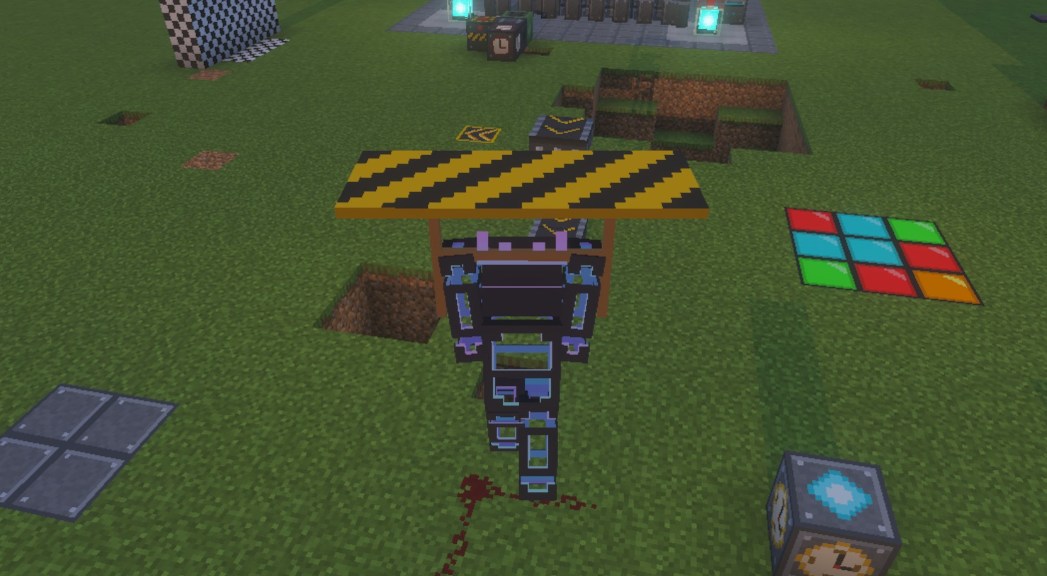
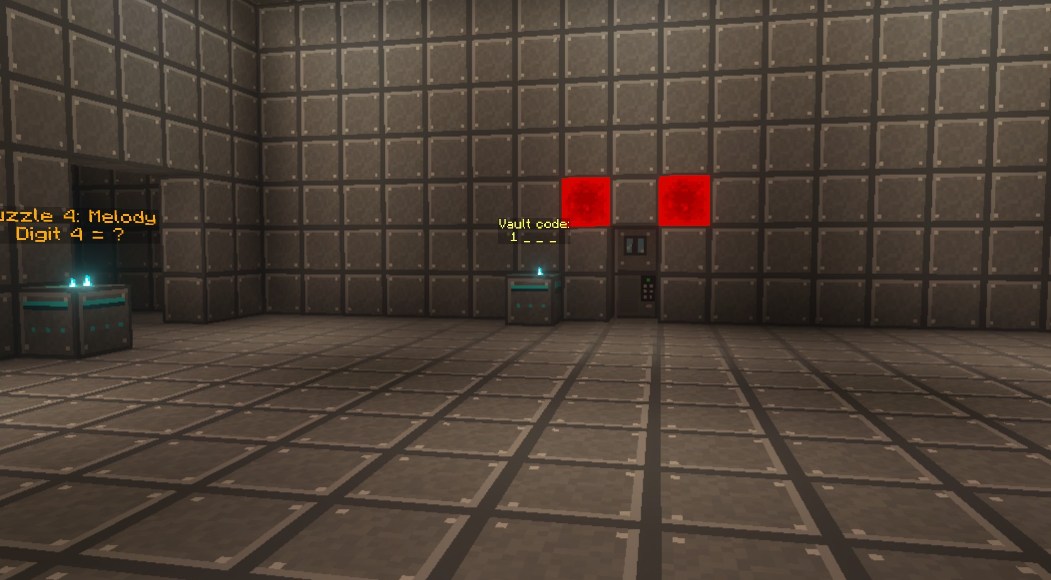
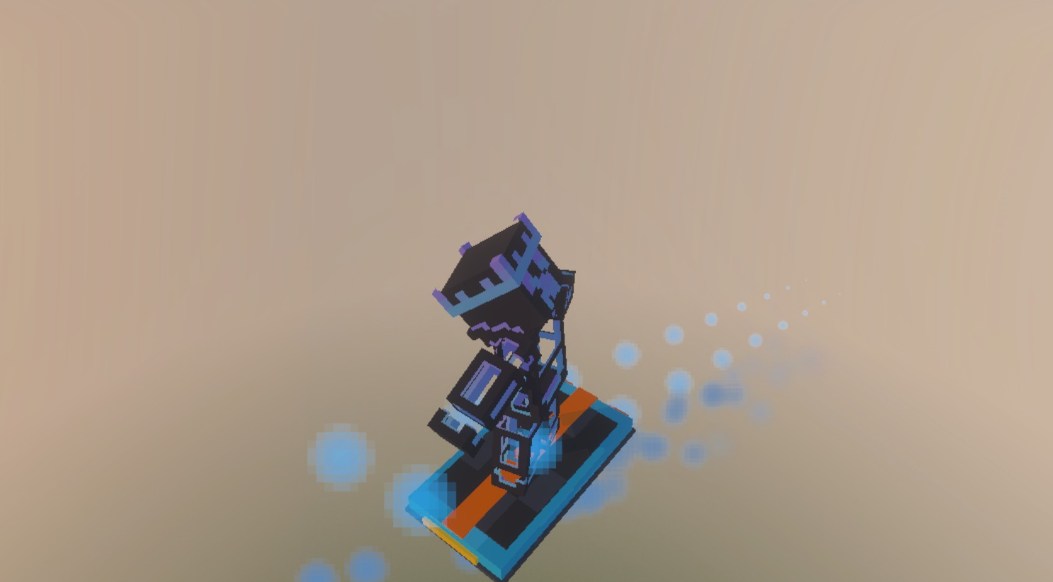
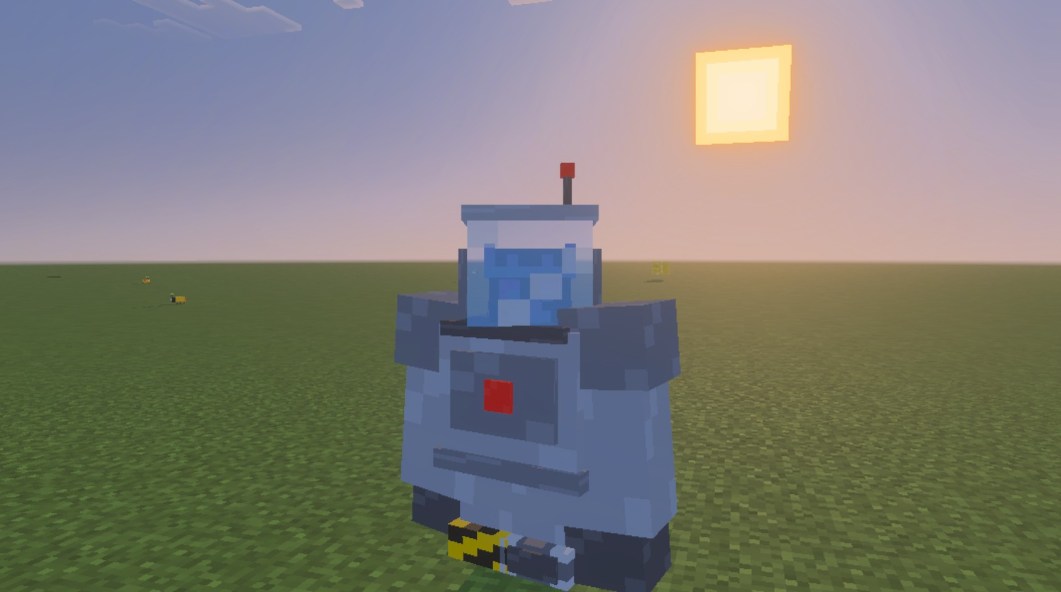
Screenshots from real worlds. Click one to see it bigger.
If something doesn't work, check here.
Make sure you see "Successfully imported" when you open the file. If you used the Folders version, check that the folders are directly inside behavior_packs and resource_packs, not one folder deeper. Then fully close and reopen Minecraft.
Delete the old version first. Go to Settings → Storage, find Beam & Motion Sensors in both Behavior and Resource Packs, and delete it. Then install the new download. Your worlds keep their blocks.
The textures pack isn't on. Edit the world → Resource Packs → activate Beam & Motion Sensors. Also check that your Minecraft is version 1.21.90 or newer.
It works on Realms and in worlds you share with friends. Friends download the packs automatically when they join.
 SensorMod